Your cart (0)
Your cart is empty
Tax included and shipping calculated at checkout

Drawer menu
Tax included and shipping calculated at checkout

Instead of closing your blockout curtains by hand each evening, connect a compatible motorised curtain track to Apple Home and create a sunset automation. Your automatic blockout curtains can then close as daylight fades, with a separate control for evenings when you want them left open.
A room that feels private during daylight can feel exposed once the lights come on. Closing blockout curtains at sunset makes that evening change part of your home's routine rather than another job to remember.
Material World is best for homeowners seeking custom-made blockout curtains with in-home fabric advice. The fabric selection and fit matter just as much as the controls: automation moves the curtains, but it does not correct gaps around a poorly fitted window treatment.
Keep the two decisions separate. Choose curtains that suit your room, then confirm the motor, controller and app can deliver the schedule you want.
Material World offers custom-made curtains and in-home consultations in Sydney and Orange. Confirm motorisation supply, installation and smart-home setup separately before including them in your project; those services are not established by the fabric range.
Expected result: The curtains open and close fully using their supplied control, without dragging or stopping short. Do not move on to automation until this works consistently.
Blockout fabric controls light through the material; the finished arrangement determines what enters around the edges. Discuss overlap, track position and the space where open curtains gather before the curtains are made.
Expected result: The Home app controls the correct curtain layer, and the displayed position agrees with the physical curtain position.
If the direction is reversed, correct it using the manufacturer's supported settings before continuing. A sunset automation should not become the first time you discover that the close command opens the room to the street.
Expected result: The correct blockout curtains close when the sunset trigger runs, without requiring you to send a command from your phone.
Name the automation clearly enough that another household member can recognise it. If you later change rooms, replace a controller or rename accessories, revisit the automation rather than assuming it still targets the right curtains.
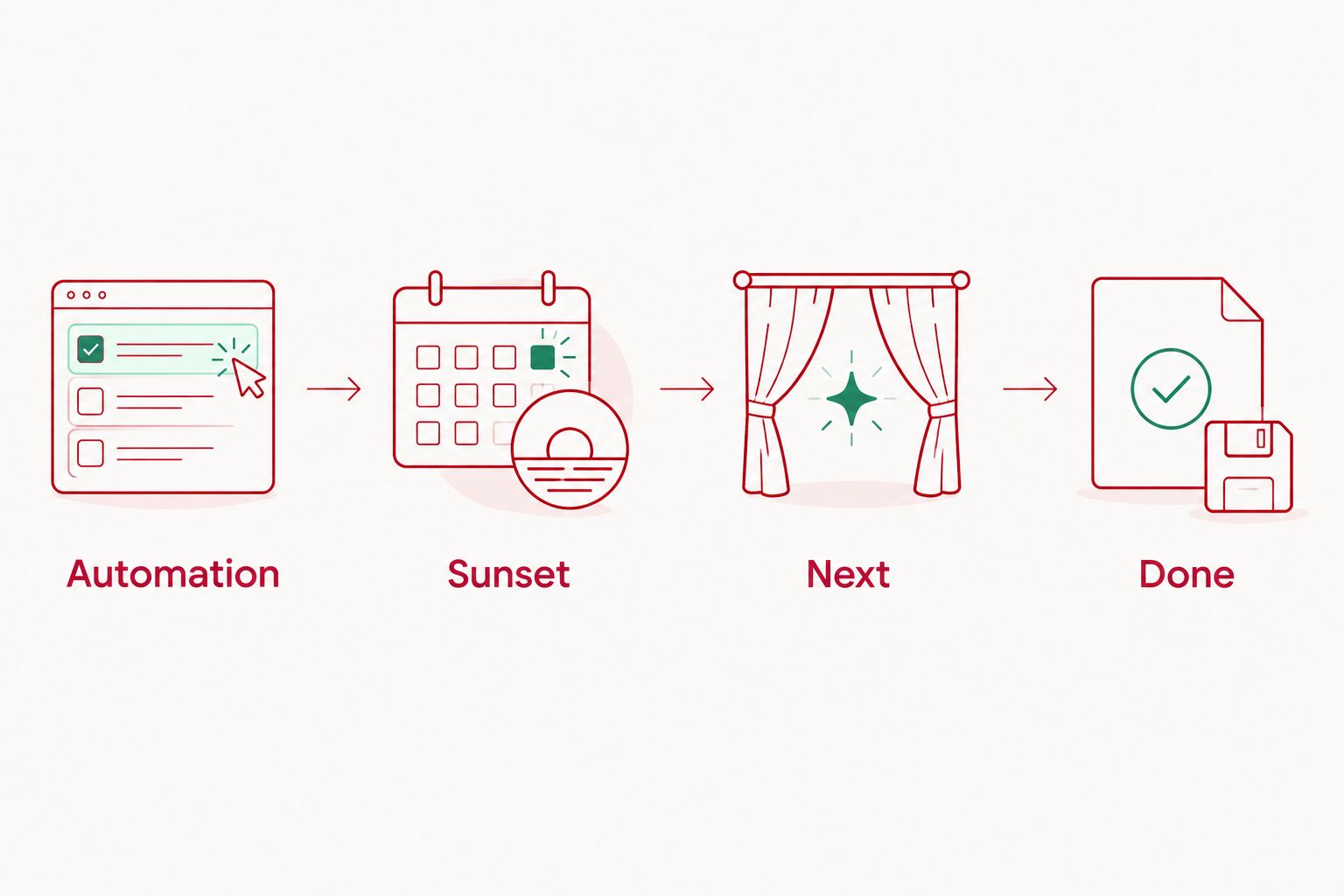
Best for a consistent evening routine: Use a fixed-time automation when you want the curtains closed at the same point in your household's day, regardless of seasonal daylight. Follow the same process, but choose a time instead of Sunset.
| Schedule | Best for | Advantage | Limitation |
|---|---|---|---|
| Sunset | Privacy as daylight fades | Tracks seasonal sunset changes | Does not respond to unusually dark weather |
| Fixed time | A consistent dinner or bedtime routine | Keeps the closing time predictable | Needs review when daylight and routines change |
Neither schedule measures how exposed your particular room feels. If privacy matters before sunset, use an earlier supported timing setting or choose a fixed time that suits the room.
The distinction between connecting motorised shades to HomeKit and creating a closing schedule matters: pairing makes a compatible covering controllable, while the automation determines when it moves. Complete and test the connection before troubleshooting the sunset trigger.
Check that the automation is enabled, includes the intended days and targets the correct accessory. Review people-based conditions, the home's location settings and the home hub's connection status. Test the action separately from waiting for sunset.
Disable the schedule while you inspect the travel path. Check for fabric catching on furniture, then ask the installer to review travel limits, track alignment and the curtain load. Do not repeatedly run a motor against an obstruction.
Correct the direction or position calibration using the manufacturer's instructions. Run a complete open-and-close check afterwards, then retest the automation. Changing the schedule will not repair an incorrect position setting.
Identify whether light comes through the fabric or around the edges. Side gaps, a centre gap and light above the track need a fit discussion, not a different app setting. An automated closing action is not a guarantee of a completely dark room.
Once the evening action works, decide whether a morning opening routine would actually suit your home. Bedrooms, street-facing living rooms and shift-work households need different privacy arrangements; automatic opening should be a deliberate choice, not an assumed companion to closing.
Keep a familiar everyday control available for visitors and household members who do not use the app. Check the manufacturer's instructions before pulling motorised curtains by hand, because manual operation differs between systems.
For layered windows, decide which layer needs automation. Closing blockout curtains at dusk while leaving a sheer layer in place is a different arrangement from moving both layers together. Confirm each layer's track and control requirements before ordering.
Can blockout curtains close automatically at sunset?
Yes, when a compatible motorised track and control system support a sunset automation. In Apple Home, create a time-of-day automation using Sunset and set the curtain action to closed.
Do I need new curtains to automate my existing ones?
Not necessarily, but the track supplier must assess the existing curtains and installation. Curtain weight, heading style, dimensions and track suitability determine whether the arrangement can be adapted.
Does Material World sell a confirmed Apple Home-compatible curtain motor?
The supplied product information does not establish an Apple Home-compatible motor offering. Discuss the custom curtains with Material World and confirm the exact motor and controller compatibility with the hardware supplier.
Is the fabric called Automatic a motorised curtain system?
No. Automatic is a wide vertical striped sheer curtain fabric in a linen, cotton and polyester blend; its name does not establish motorisation or blockout performance.
Will sunset automation close the curtains earlier on cloudy days?
No. A sunset trigger follows the home's location-based sunset time, not the brightness at the window. A light-responsive routine requires separately supported sensing and controls.
Will automatic blockout curtains make my bedroom completely dark?
Not by automation alone. Blockout fabric addresses light passing through the material, while overlap, track placement and edge gaps affect the finished room's darkness.
Choose the closed position before choosing the closing time. A perfectly timed motor cannot fix curtains that miss the centre or catch on a door handle.
Let us help you choose curtains tailored to your home. Request a free quote and discuss an in-home consultation with Material World, bringing together fabric, fit and your plans for evening privacy.


